

Description
A guided Blogger to WordPress migration workflow
Import Wizard for Blogspot helps you move a public Blogger site into WordPress without API setup or manual copy-paste. Paste the Blogger URL, preview what the plugin finds, and import with live progress so you can see exactly what is happening.
Version 3.4 improves the migration experience with a clearer three-step flow:
- Check the blog first to confirm the Blogger feed is reachable and public
- Preview the content counts before the import starts
- Import with live progress and retry tools if a few items need attention
- Follow a post-import checklist before enabling redirects
Why site owners choose this plugin
- Preview-first migration so the import never starts blindly
- Posts and pages support with separate counts before the run begins
- Live progress log during the import
- Retry failed items without starting from scratch
- Redirect settings to preserve old Blogger links after migration
- No Blogger API credentials required
- Blogger labels become WordPress categories
- Featured image support from the first image in the content
Free version limits
The free version imports up to 20 posts and 20 pages per run. The preview screen shows the exact number of items that will be imported before you start.
Upgrade to Pro
The Pro version is a better fit for larger migrations and includes:
- Unlimited posts and pages
- More migration help for bigger Blogger sites
- Local image importing improvements
- Advanced migration support
Demo Video
See the plugin in action:
Screenshots

Step 1: connect your Blogger site and choose what to import 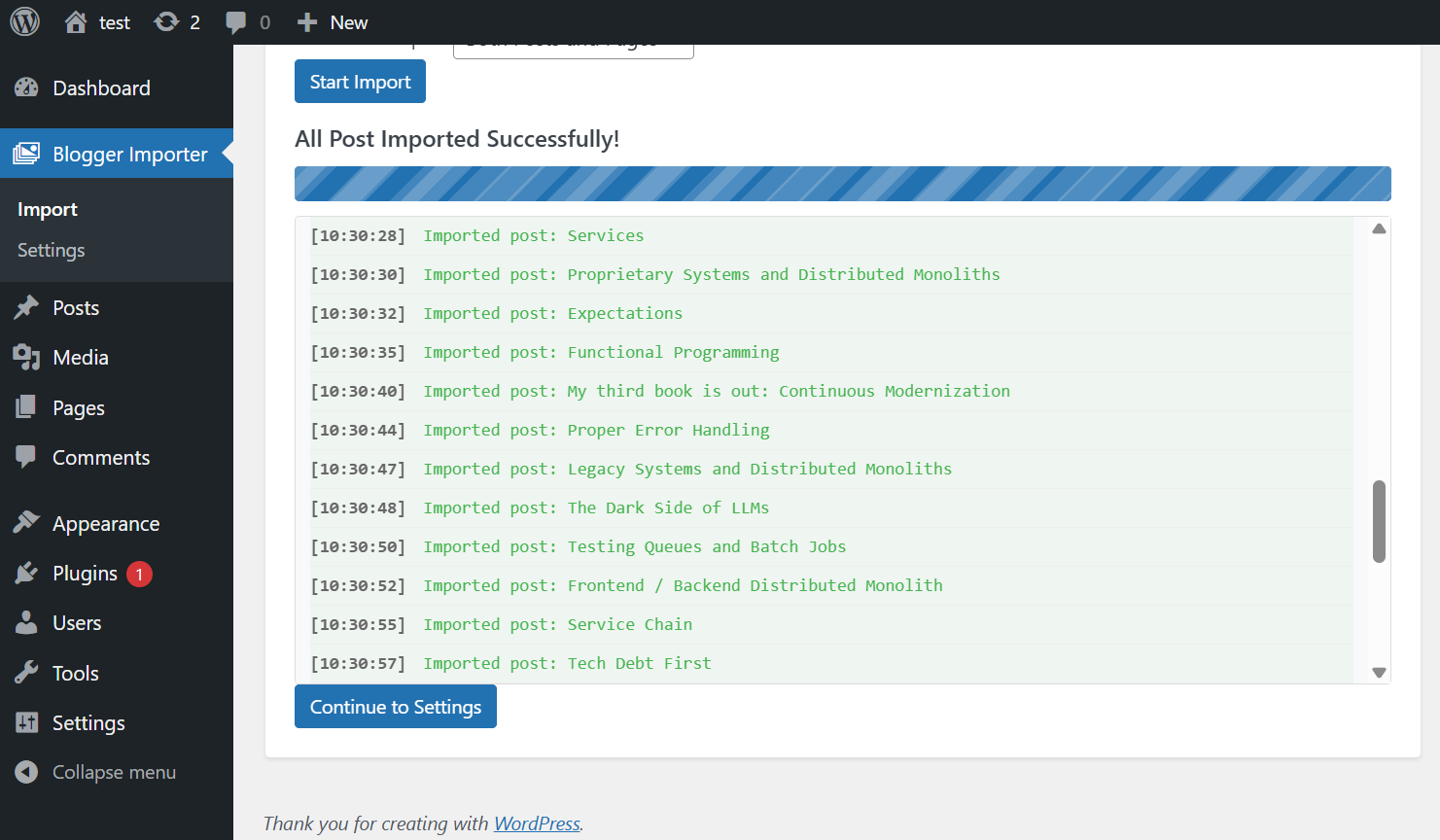
Step 2: preview the blog check, available content, and free plan limits 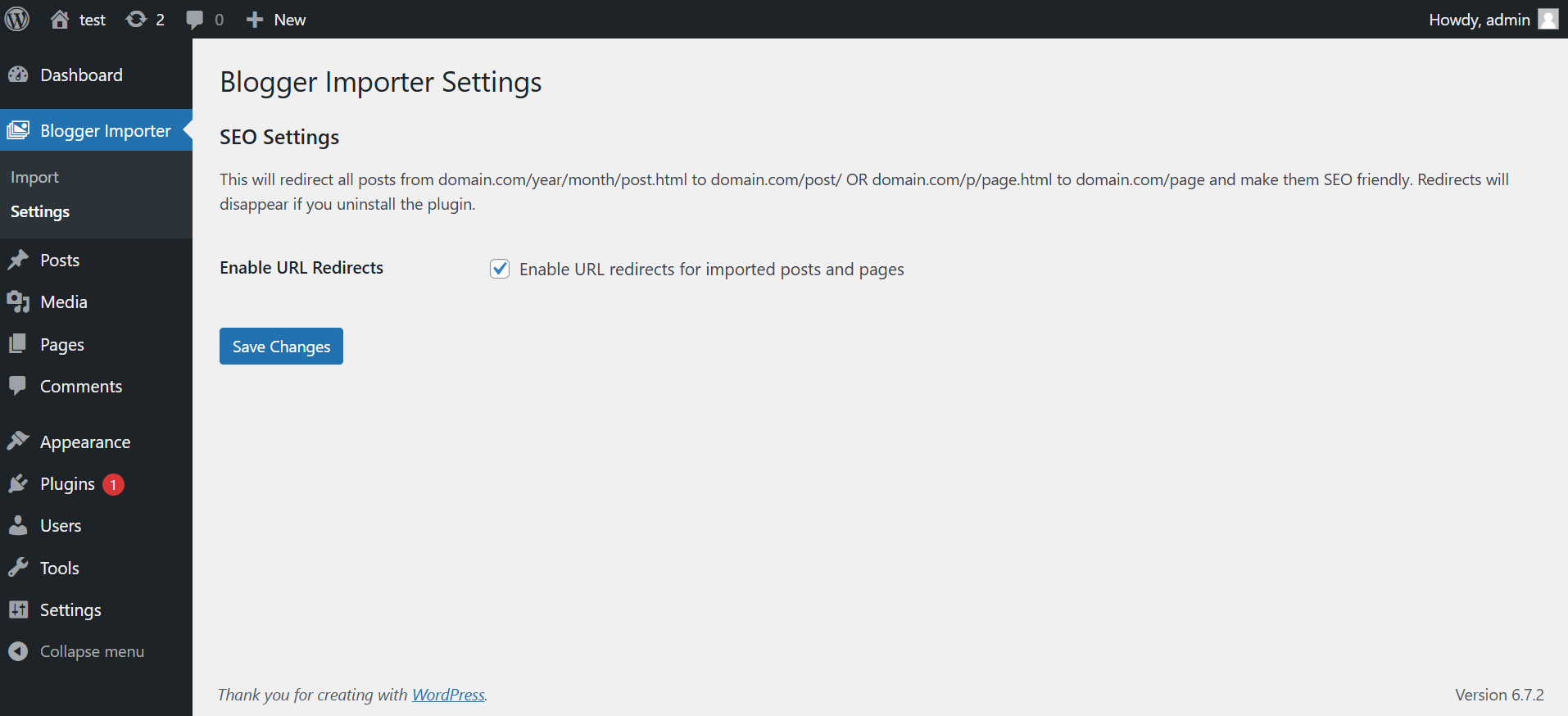
Live progress log with planned, imported, failed, and remaining counts
FAQ
-
How does the new import flow work?
-
Enter your Blogger URL, choose whether to import posts, pages, or both, then run the preview. The plugin checks that the feed is public, counts the available content, and shows how many items the free version will import before the actual migration begins.
-
Does my Blogger site need to be public?
-
Yes. The plugin imports from the public Blogger feed, so the blog must be publicly accessible.
-
How many items can I import with the free version?
-
The free version imports up to 20 posts and 20 pages in a run. If the preview finds more than that, it will clearly show the difference before you click Start Import.
-
What happens if a few items fail during import?
-
The importer keeps a live log, finishes the rest of the run, and lets you retry failed items directly from the importer screen.
-
Can I import only posts or only pages?
-
Yes. You can import posts only, pages only, or both.
-
Will this help preserve SEO after moving from Blogger to WordPress?
-
Yes. After you review the imported content, you can enable the redirect setting so old Blogger URLs point to the new WordPress URLs.
-
Do I need Blogger API credentials?
-
No. The plugin works with the public Blogger feed and does not require API credentials.
-
Where should I go if I need help?
-
If the import finishes with issues, the plugin now nudges users toward support instead of asking for a review. You can also visit the support forum.
Reviews

Contributors & Developers
“Import Wizard for Blogspot – Free Blogger to WordPress importer” is open source software. The following people have contributed to this plugin.
Contributors
Translate “Import Wizard for Blogspot – Free Blogger to WordPress importer” into your language.
Interested in development?
Browse the code, check out the SVN repository, or subscribe to the development log by RSS.
Changelog
3.4
- New: Added a preview-first import flow with a Blogger reachability check before import
- New: Added clear content counts for posts, pages, and free plan limits before import starts
- New: Added live import summary cards for planned, imported, failed, and remaining items
- New: Added retry support for failed items after the main import run
- New: Added a post-import checklist to guide review and redirect setup
- Improvement: Review prompts now appear only after successful imports with no recorded errors
- Improvement: Failed or partial imports now steer users toward support instead of a rating prompt
- Improvement: Updated plugin page copy to better explain the workflow and expectations
3.3
- Fix: Version synchronization across plugin files
- Fix: Updated version constants and stable tags
3.2
- Feature: Added demo video to readme file
3.1
- Feature: Set the first image from the post content as the featured image
- Fix: Resolved CORS issue by importing images via a PHP backend
3.0
- Major UI and UX improvements
- Added real-time import progress bar with animated stripes
- Enhanced progress logs with timestamps and message types
- Added strict enforcement of free version limits
- Improved error handling and user feedback during import