

Description
Mox Icons adds popular, high-quality icon libraries directly to Elementor’s native icon picker. No extra widget needed — just open any icon selector in Elementor and browse your new icons.
Included Libraries
- Heroicons Outline — 324 clean stroke icons by Tailwind Labs (MIT License)
- Heroicons Solid — 324 filled icons by Tailwind Labs (MIT License)
- Material Design Icons — 7,000+ community icons by Pictogrammers (Apache 2.0)
- Simple Line Icons — ~200 minimal icons (MIT License)
Features
- ✅ Native Elementor icon picker integration
- ✅ Toggle each library ON or OFF from Settings Mox Icons
- ✅ All assets bundled locally — no CDN, no external requests
- ✅ Lightweight: only enabled libraries are loaded
- ✅ Translation ready
Requirements
- WordPress 6.0+
- Elementor 3.5.0+
- PHP 7.4+
Screenshots
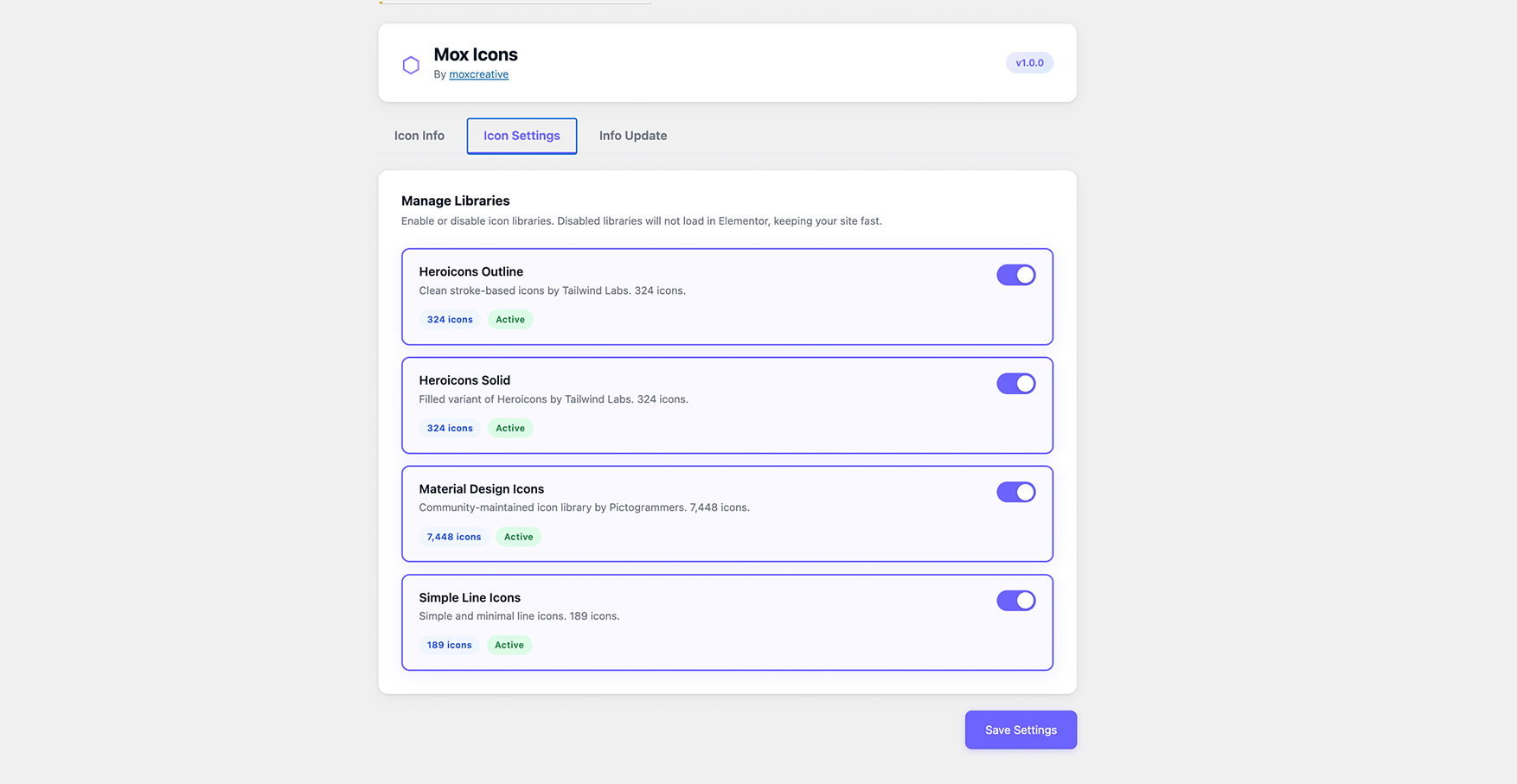
Settings page with library toggles 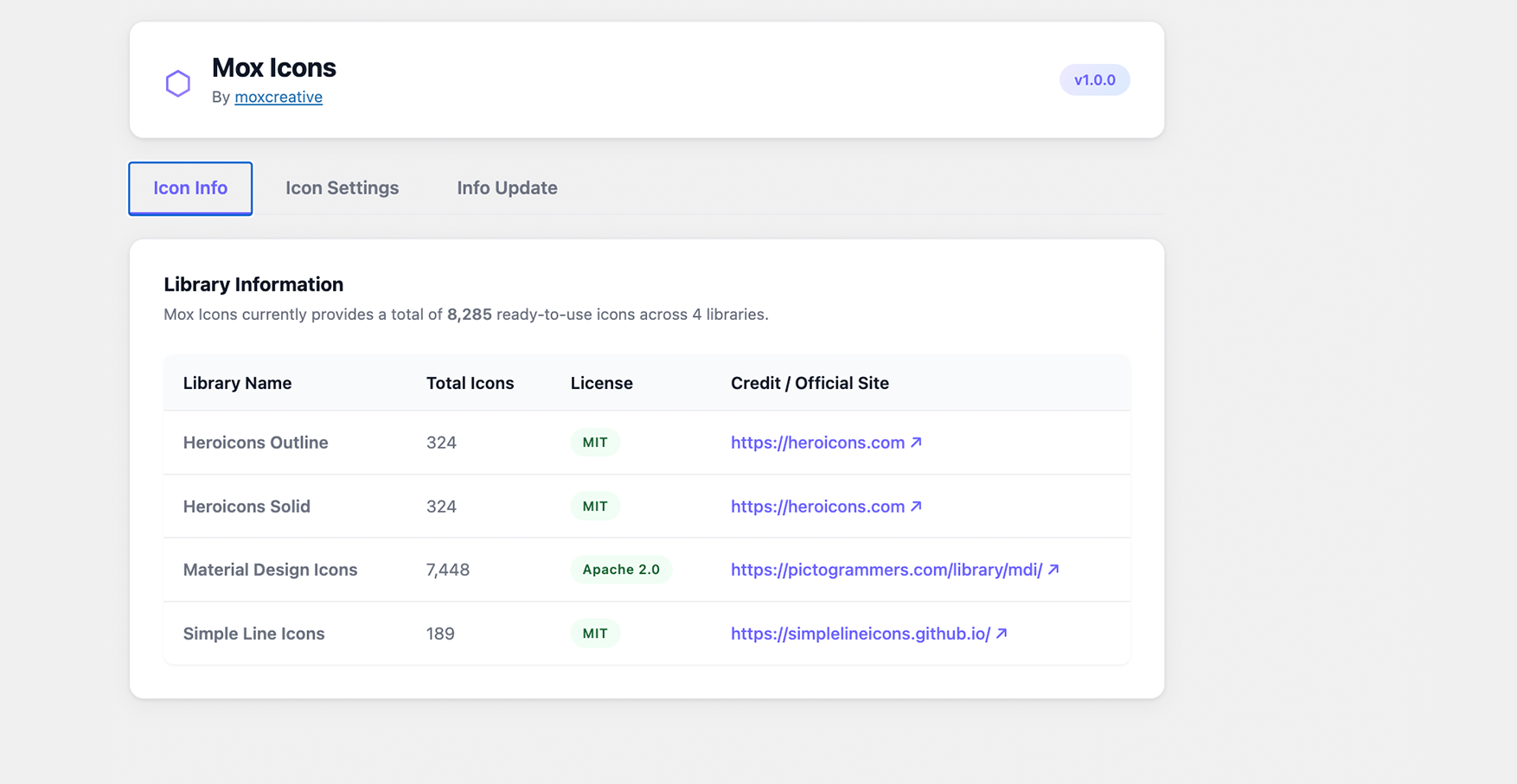
Heroicons Outline in Elementor icon picker 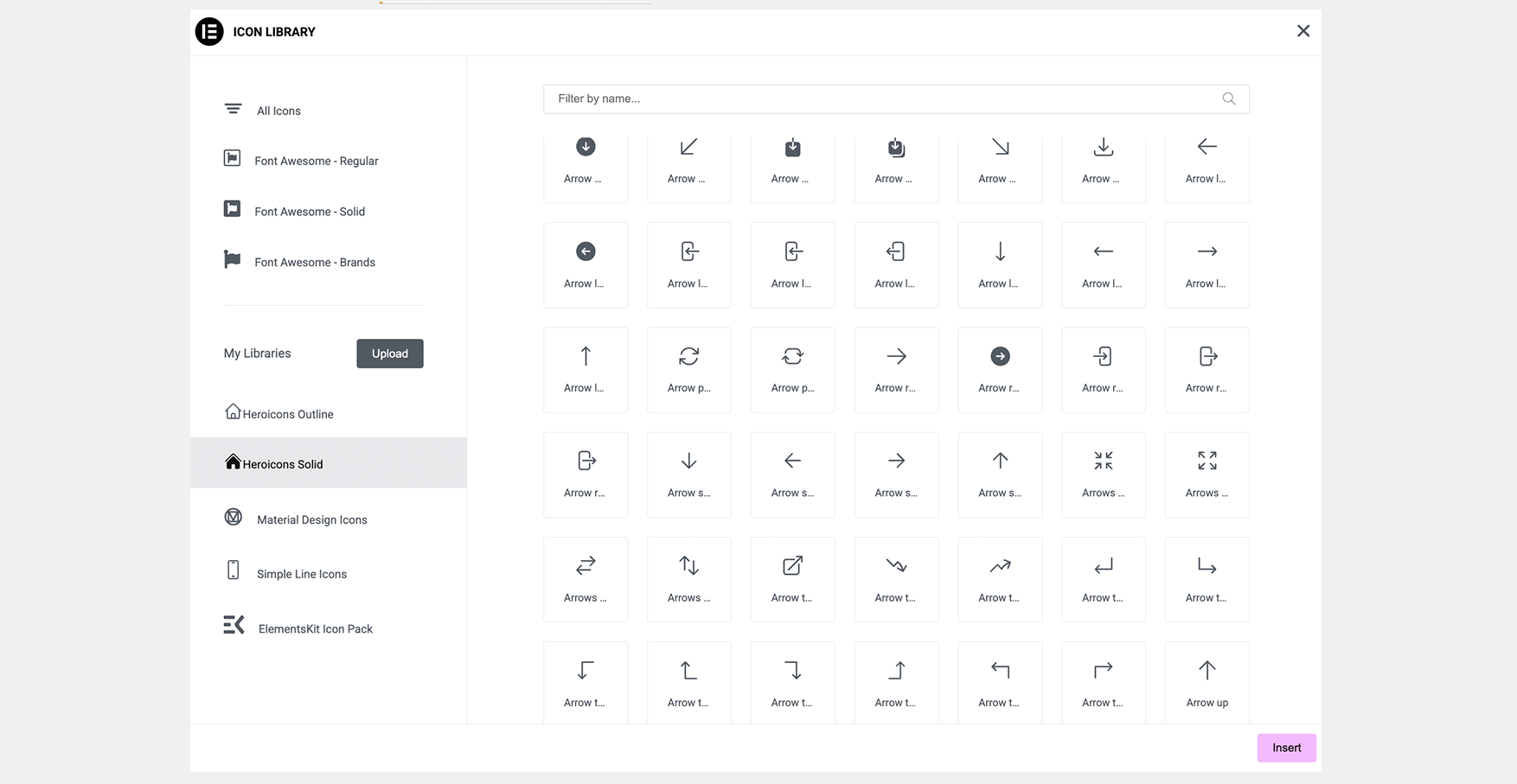
Material Design Icons in Elementor icon picker
Installation
- Upload the
mox-iconfolder to/wp-content/plugins/ - Activate the plugin through the Plugins screen in WordPress
- Go to Settings Mox Icons to enable or disable individual icon packs
- Open Elementor editor — new icon tabs will appear in the icon picker
FAQ
-
Does this work with Elementor Free?
-
Yes, Mox Icons works with both Elementor Free and Elementor Pro.
-
Will disabled libraries affect performance?
-
Yes. Disabled libraries are not enqueued at all, so they add zero weight to your pages.
-
Are the icons licensed for commercial use?
-
Yes. Heroicons is MIT licensed and Material Design Icons is Apache 2.0 licensed — both allow commercial use.
Reviews
There are no reviews for this plugin.
Contributors & Developers
“Mox Icons – Icon Pack for Elementor” is open source software. The following people have contributed to this plugin.
Contributors
Translate “Mox Icons – Icon Pack for Elementor” into your language.
Interested in development?
Browse the code, check out the SVN repository, or subscribe to the development log by RSS.
Changelog
1.0.0
- Initial release
- Heroicons Outline (324 icons)
- Heroicons Solid (324 icons)
- Material Design Icons (7,448 icons)