
Description
Live Demo: https://www.mojofywp.com/wp-affiliate-disclosure/demo
If you’re an affiliate marketer, blogger, or website owner, and you’re promoting products of companies from US, UK, or Canada, the FTC (Federal Trade Commission) requires you to tell your visitors that you will be compensated if they purchase something through your affiliate link(s).
However, adding the disclosure statement manually into each posts would be a hassle – But worries no more…
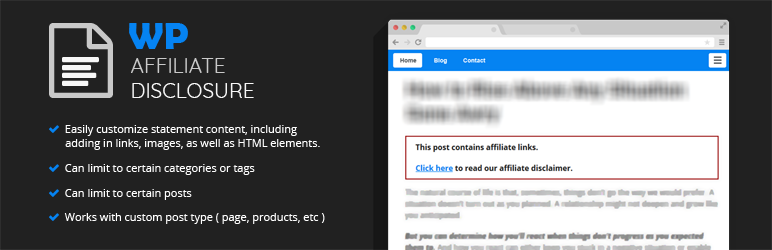
WP Affiliate Disclosure allows you to add a customizable, FTC-compliant disclosure statement that will automatically display across your WordPress website based on the rule(s) you define.
Main features:
- Show the disclosure statement at the beginning and/or the end of a post.
- Easily customize statement content, including adding in links, images, as well as HTML elements.
- Only show the disclosure statement on certain posts.
- Only show the disclosure statement based on its taxonomies ( categories / tags )
- Works on custom post type as well
Live Demo: https://www.mojofywp.com/wp-affiliate-disclosure/demo
Screenshots
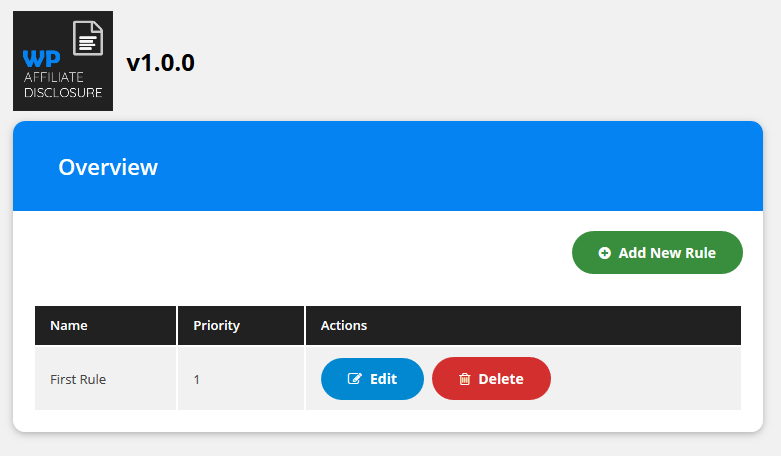
Admin: Settings page 
Admin: Rules settings page 
Frontend: WP Affiliate Disclosure in action 1. 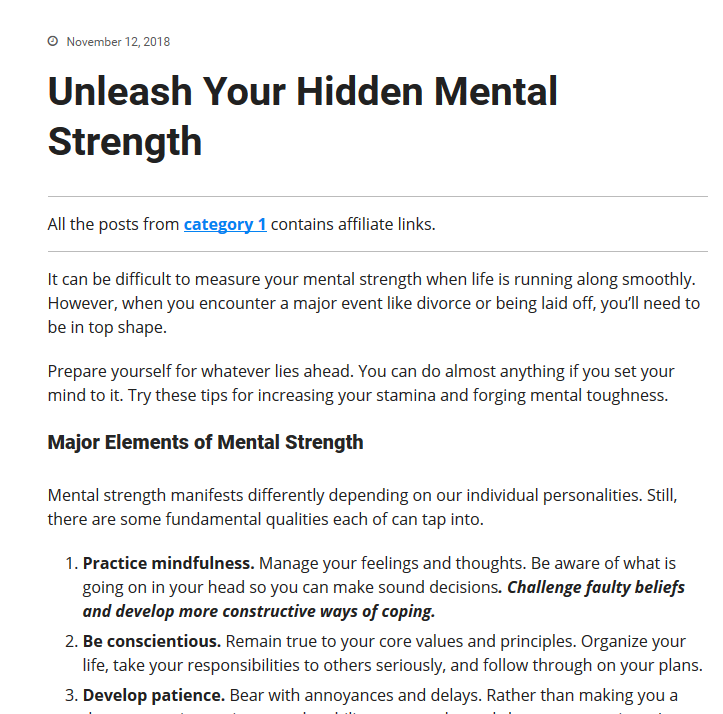
Frontend: WP Affiliate Disclosure in action 2. 
Frontend: WP Affiliate Disclosure in action 3.
Installation
- Unzip the downloaded zip file.
- Upload the plugin folder into the
wp-content/plugins/directory of your WordPress site. - Activate
WP Affiliate Disclosurefrom Plugins page
FAQ
-
My disclosure is not showing on any posts
-
Check that you have a published rule, the display position is enabled, the post type and conditions match the post you are viewing, and any page or CDN caches have been cleared. Some custom themes and builder templates bypass WordPress’s standard content filter; in those cases, use shortcode placement or test with a default WordPress theme.
-
My disclosure shows on the wrong pages
-
Review the rule conditions. Use taxonomy slugs for category or tag targeting, post IDs for individual posts, and priority ordering when multiple rules can match the same post.
-
Can I change the disclosure statement?
-
Yes. You can.
-
Can I add links into the statement?
-
Yes. You can.
-
Can I add images into the statement?
-
Yes. You can.
-
Can I limit to which post the statement is shown?
-
Yes. You can.
-
Can I specify which post the disclosure statement should display?
-
Yes. You can.
-
Can I specify only posts with a certain categories that should show the disclosure statement?
-
Yes. You can.
-
Is the plugin compatible with all WordPress themes?
-
WP Affiliate Disclosure is compatible with most of the themes that follow wordpress coding practices and standards. However, since every wordpress themes has its own coding structure, it’s pretty difficult to promise that this plugin will absolutely work with just any themes in the market.
-
Is the plugin translation ready?
-
Yes, absolutely! The plugin comes with a PO file that you can use to translate WP Affiliate Disclosure to any desired language.
Reviews

Contributors & Developers
“WP Affiliate Disclosure” is open source software. The following people have contributed to this plugin.
Contributors

Translate “WP Affiliate Disclosure” into your language.
Interested in development?
Browse the code, check out the SVN repository, or subscribe to the development log by RSS.
Changelog
1.4.0
- New: Visual styling controls in the rule editor — pick from 4 presets (Minimal, Boxed, Banner, Inline) or customize colors, borders, padding, and margin without writing CSS.
- New: After-paragraph placement — show the disclosure after paragraph 1, 2, or 3.
- New: One-click disclosure templates for Amazon Associates and General FTC compliance (short and long variants).
- New:
[affiliate_disclosure]shortcode alias withstyle,template,variant,text, andruleattributes. - New: REST API CRUD endpoints — POST/PUT/DELETE
/wpadc/v1/rulesandPUT /wpadc/v1/rules/reorderfor programmatic rule management. - New: Admin notices when a rule has no targeting conditions or no rules exist (per-user dismissible).
- Fixed: Disclosure no longer injected in widgets, REST output, excerpts, or featured-image processing — main-loop guard added to all
the_contentcallbacks. - Fixed: Autoloader failure now shows a helpful admin notice instead of a white screen.
- Compatibility:
id="wpadc-wrapper"is now emitted on the first disclosure wrapper per page only — preserving backward-compatible CSS for sites with a single disclosure per page. Pages with multiple disclosures (e.g. both before- and after-content placements active) will only see the id on the first wrapper; use.wpadc-wrapper-classor.wpadc-disclosureto target all wrappers. Advanced users can remove the id entirely by returningfalsefrom thewpadc_emit_legacy_wrapper_idfilter.