

Description
Manage WooCommerce shipping with KiriminAja Official. The plugin helps online stores show real-time shipping rates at checkout, create shipment transactions, request pickups, print waybills, receive shipment status updates, and manage shipment payment workflows from the WordPress dashboard.
KiriminAja Official is built for Indonesian WooCommerce merchants who want to manage COD and Non-COD shipments without switching between multiple dashboards. It supports daily operations from checkout to pickup, payment, waybill printing, and tracking.
What Makes This Plugin Different?
This plugin does more than display shipping rates at checkout. KiriminAja Official also supports post-order operations such as pickup requests, pickup payment handling, waybill printing, and shipment status synchronization.
For TOP merchants, the plugin follows the KiriminAja account property and processes pickups with the TOP payment flow without showing a QRIS payment modal. For Non-TOP merchants, Non-COD pickup payment can use QRIS or KA Credit depending on account configuration.
Who Is This Plugin For?
KiriminAja Official is suitable for WooCommerce store owners who:
- Want automatic shipping rates from multiple courier services at checkout.
- Manage COD and Non-COD shipments from WordPress.
- Need pickup requests and waybill printing from the admin dashboard.
- Use QRIS, KA Credit, or TOP payment workflows for shipment payments.
- Want shipment status updates through KiriminAja webhooks.
- Need a tracking page for customers.
With KiriminAja, WooCommerce shipping operations can be more centralized, easier to monitor, and faster for the operations team.
Key Features
- Real-time shipping rates at WooCommerce checkout.
- KiriminAja courier options based on account, origin, destination, and service availability.
- COD and Non-COD shipment support.
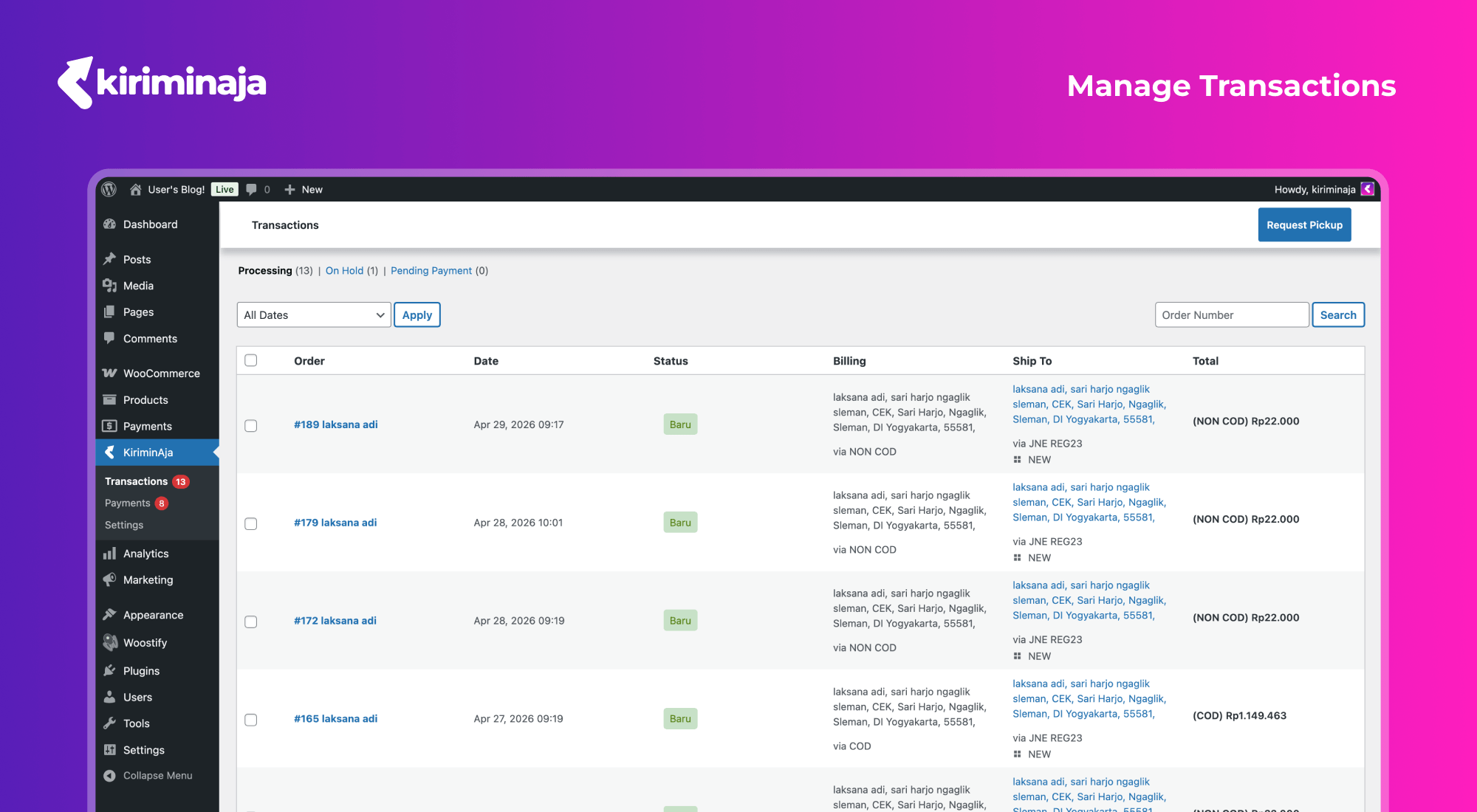
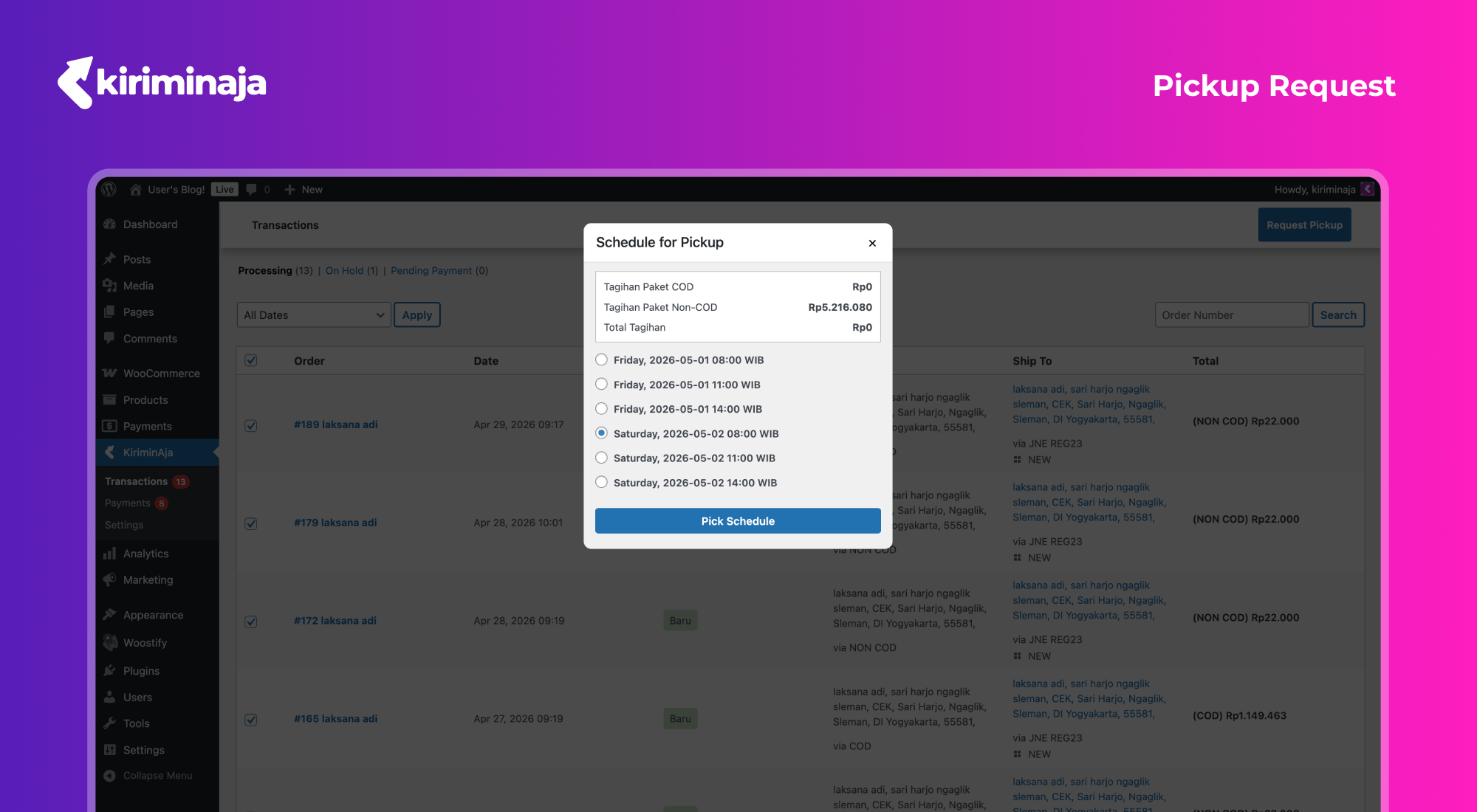
- Pickup requests from the KiriminAja transaction page in WordPress.
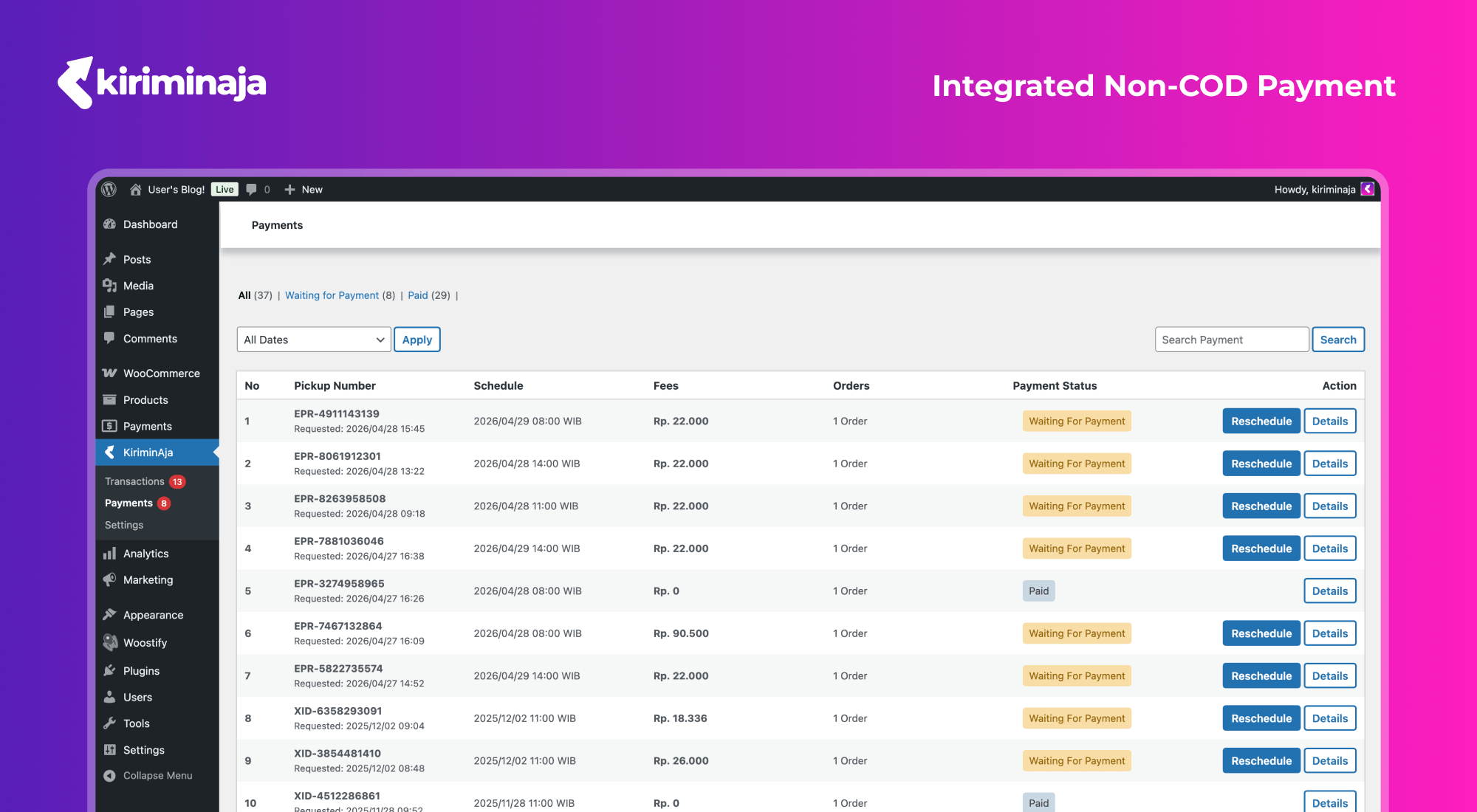
- QRIS pickup payment for eligible Non-TOP merchants.
- KA Credit pickup payment when the account has PIN enabled and sufficient balance.
- TOP merchants are automatically processed through the TOP workflow without QRIS scanning.
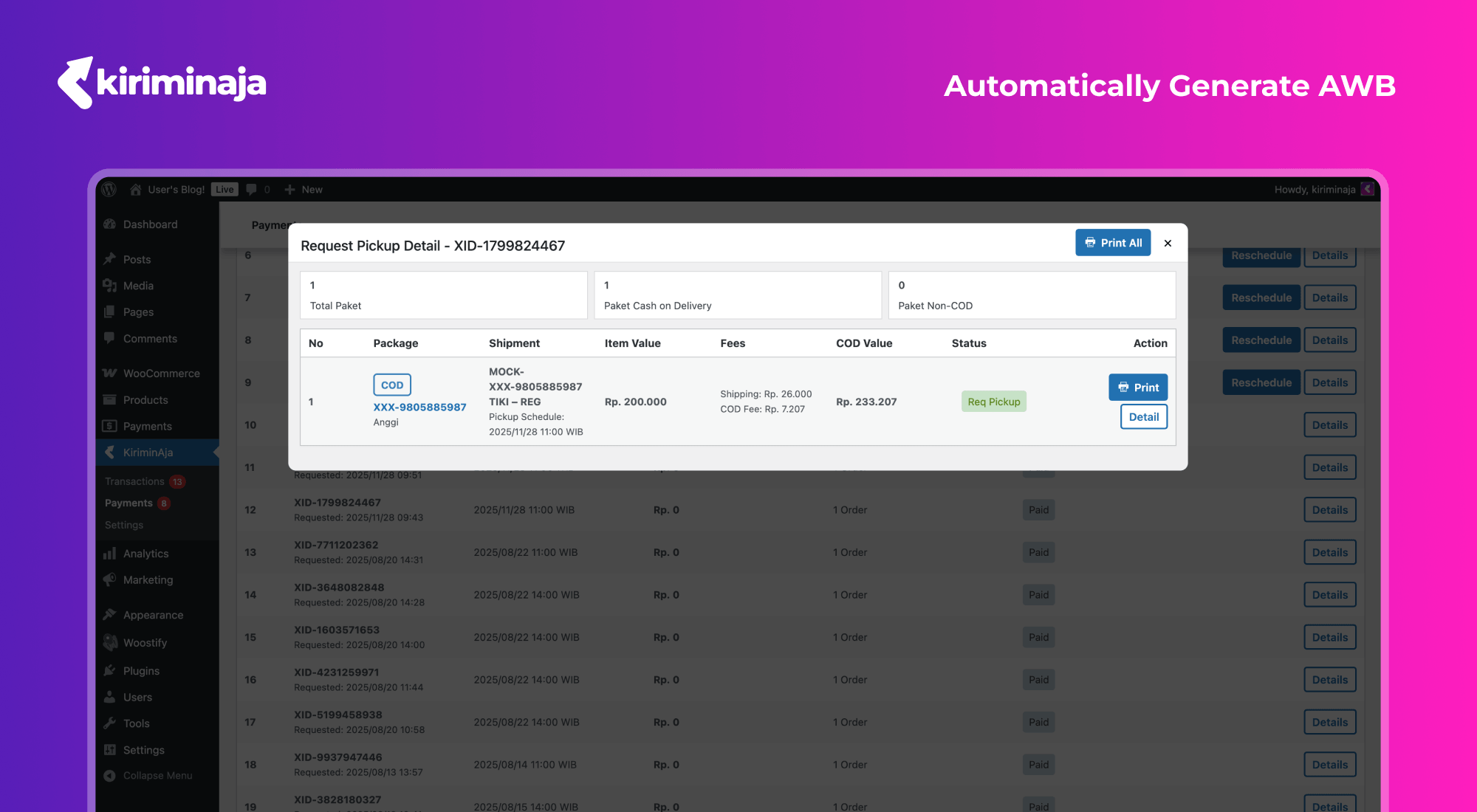
- Single and bulk waybill printing.
- Shipment status updates through KiriminAja webhooks.
- Tracking page support through shortcode.
- Origin address, active courier, callback URL, insurance, and tracking page settings.
- Region coverage and courier list cache for better admin performance.
Supported Couriers and Services
Courier and service availability depends on the merchant account, origin address, destination address, package details, and active KiriminAja services. Commonly available couriers include:
- JNE – REG, YES, OKE, Trucking/JTR depending on area availability.
- SiCepat – Regular, BEST, Gokil/Cargo depending on area availability.
- SAP Express – Regular, One Day, Same Day, Cargo depending on area availability.
- Lion Parcel – Regpack, Jagopack, and other available services.
- AnterAja – Regular, Same Day, Next Day depending on area availability.
- Ninja Xpress – Standard and other available services.
- ID Express – Regular and other available services.
- J&T Express – EZ/Regular and other available services.
- TIKI – REG, ONS, ECO, and other available services.
- POS Indonesia – regular and cargo services depending on area availability.
- Wahana – regular services depending on area availability.
- J&T Cargo – cargo services depending on area availability.
- SPX Express (Shopee) – regular and cargo services depending on area availability.
- Paxel – regular and cargo services depending on area availability.
- Sentral Cargo – cargo services depending on area availability.
- NCS Courier – regular and cargo services depending on area availability.
- RPX – regular and cargo services depending on area availability.
The actual courier list may change depending on KiriminAja service availability and merchant account configuration. Active couriers can be managed from the plugin settings.
Shipment Payment Workflows
KiriminAja Official supports several pickup payment workflows:
- QRIS for eligible Non-TOP merchants with Non-COD packages.
- KA Credit for merchants with PIN enabled and sufficient credit balance.
- TOP for merchants with TOP account property in KiriminAja.
- COD-only pickups do not require an additional pickup payment method.
Screenshots
Installation
- Download and activate the KiriminAja Official plugin.
- Make sure WooCommerce is installed and active.
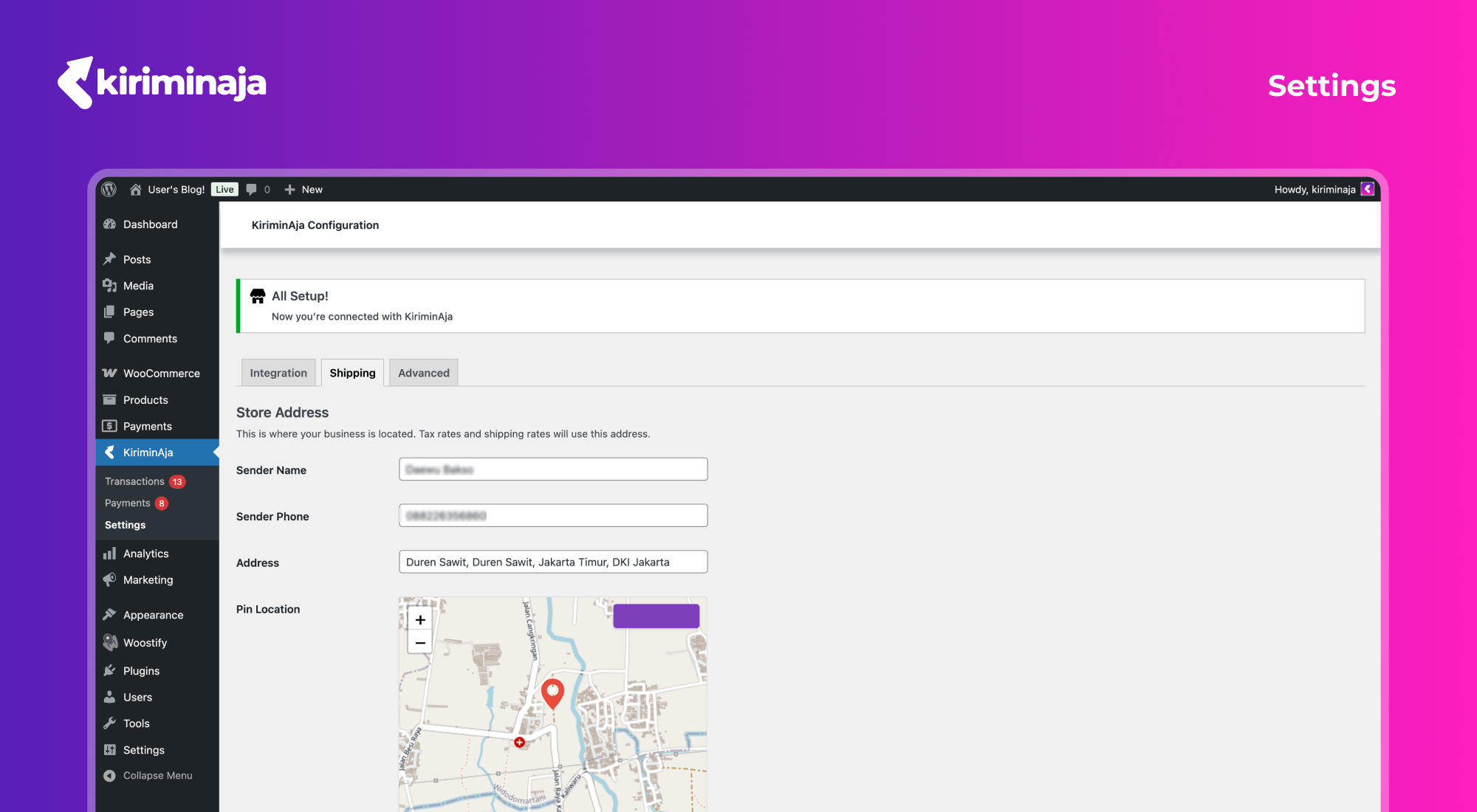
- Open KiriminAja > Settings in WordPress Admin.
- Connect your KiriminAja account using the setup key/API key from the KiriminAja dashboard.
- Complete the store origin/pickup address.
- Select couriers that should be available at checkout.
- Make sure WooCommerce shipping zones support Indonesia and the KiriminAja shipping method is active.
- Configure callback URL/webhook settings if needed.
- Run a checkout test to confirm shipping rates and courier options appear correctly.
FAQ
-
Does this plugin require WooCommerce?
-
Yes. This plugin is built for WooCommerce and requires WooCommerce to be active for checkout rates, shipment transactions, pickup requests, and payment workflows.
-
Does this plugin support COD?
-
Yes. COD shipments are supported based on KiriminAja service availability and merchant account configuration.
-
Does this plugin support Non-COD shipments?
-
Yes. Non-COD pickup payments can use QRIS or KA Credit depending on merchant account configuration.
-
What is a TOP merchant?
-
TOP is a merchant account property in KiriminAja. If the account uses TOP, pickup payment follows the TOP workflow and the plugin will not ask the merchant to scan QRIS.
-
Why is a courier not showing at checkout?
-
Courier visibility depends on origin, destination, package weight and dimensions, merchant account configuration, and service availability in that area.
-
How do I show the tracking page?
-
Create a WordPress page and add the KiriminAja tracking shortcode available from the plugin settings.
Reviews
There are no reviews for this plugin.
Contributors & Developers
“KiriminAja Official” is open source software. The following people have contributed to this plugin.
Contributors
Translate “KiriminAja Official” into your language.
Interested in development?
Browse the code, check out the SVN repository, or subscribe to the development log by RSS.
Changelog
2.3.1
- Cache KiriminAja shipping pricing
- Improve address length notice (#245)
- Improve address length notice
- Fix checkout lint findings
2.3.0
- Enhance courier selection on classic theme
- Retouch classic checkout
- Increase minimum version to v8.1
- Merge remote-tracking branch ‘origin/main’ into feat/ka-credit-payment
- Treat AWB assignment as the payment authority so delayed QRIS metadata cannot leave processed pickups unpaid or reopen Scan to Pay for TOP/paid pickups.
- # Conflicts:
- Add technical log download
-
- Add isTopPaymentMethod() to SettingService that reads is_top from DB,
- Add ka credit payment
- Normalize classic district validation
- Enforce shipping address length to min 20
- Fix district not loaded
- Issues on form billing stability and other related to env based
- Cod payment method filtering
- Clarify about platform discount and merchant discount
- Auto-paid issue on non-cod
- Native total secitons
- Status handling on non-cod and cod
- Refresh COD courier eligibility
- Add resi print translator comments
- Send runtime versions in user agent
- Improve compliance
- Unit testing issue
- Force top pickup payments paid
- Log qris pickup payment state
- Add print resi error translations
- Mark top pickups as paid
- Keep qris pending until remote paid
- COD package accidentaly mentioned as non-cod package
- Enhance error handling and payment processing in shipping and transaction controllers
- Handling case webhook handler
- Hide payment options for top and cod
- Fixing test coverage
- Validate credit pin before pickup
- Prevent duplicate block fee rows
2.2.6
- Duplicated payment options section on classic woocommerce theme
- Avoid auto opening payment for cod pickups
2.2.5
- Improve checkout district handling and shipping method behavior.
- Add pickup payment handling for QRIS, KA Credit, and TOP merchant flows.
- Add technical tools for cache management.
- Improve webhook, print resi, and payment status synchronization.
- Improve Bahasa Indonesia translations and plugin validation coverage.
2.2.4
- Improve shipping discount support and checkout compatibility.
- Improve callback/webhook setup and region cache handling.
- Improve admin transaction management and tracking page behavior.
2.2.3
- Improve WooCommerce checkout integration and shipment processing.
- Add stability fixes for district selection and shipping rate display.